I recommend working with Hubert. He is open to new ideas, diligent, always willing to help, and competent. Throughout our collaboration, he supported the team, ensuring projects were completed thoroughly and on time.
Types of donations and their basic volumes
Conversion factors of blood component donations to whole blood
Recovery periods between blood donations
What is the required volume of whole blood enabling one to receive the title of Honorary Blood Donor.
Interviews were conducted with 10 regular blood donors.
This table covers 3 applications and multiple feature categories.
| Yes No |
|---|
No app offers a complete set of features for donors.
Combining features can create a comprehensive tool.
Loyalty programs and gamification can boost engagement.
The app should include visual donation stats, next donation dates, blood type info, donation history, notifications, and the ability to add disqualifications from donating blood.

Modern design
Progress bar
Badges
Points system
Real game
Main screen
Donation addition form
Disqualification addition form
Donation planning form
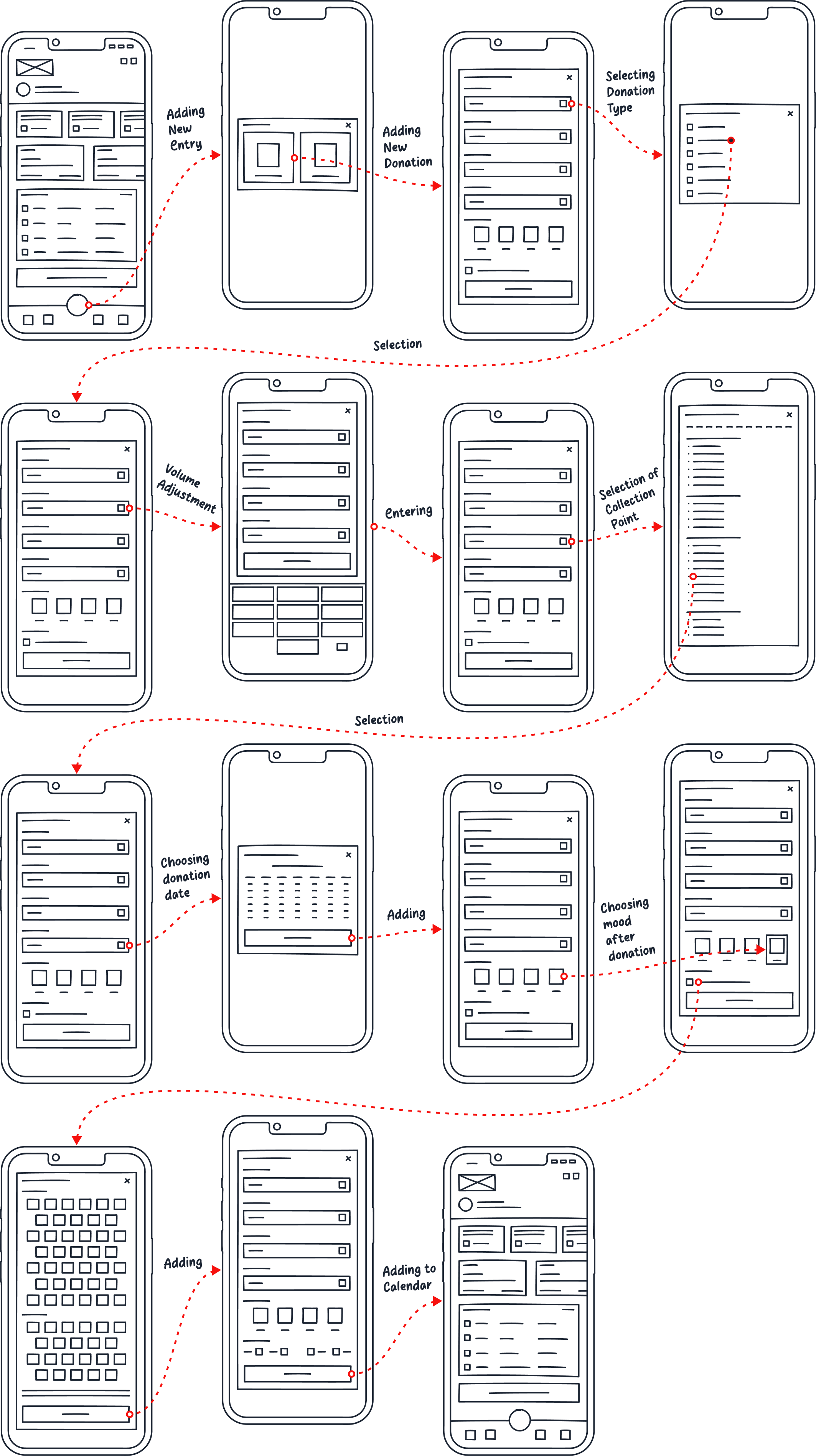
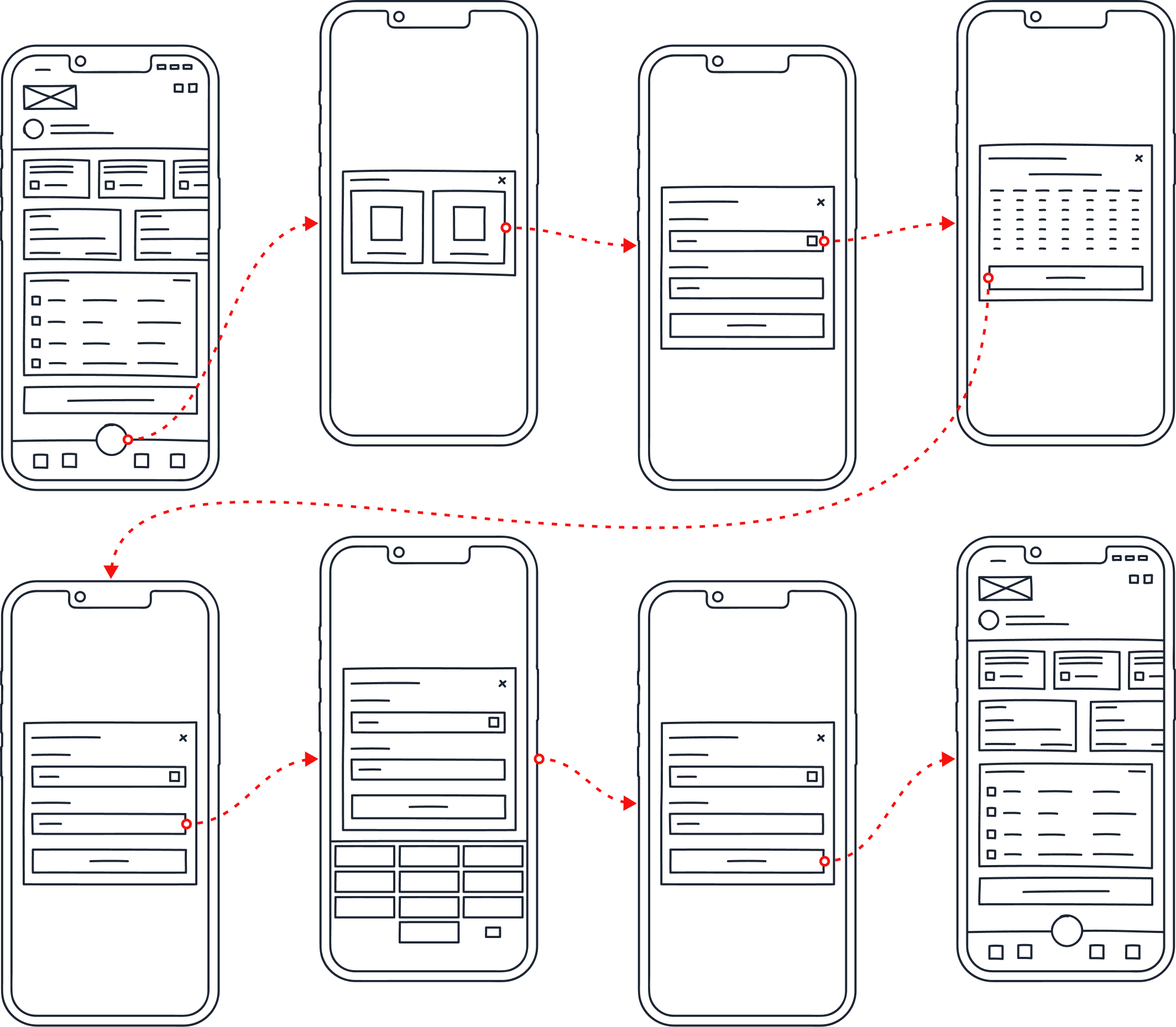
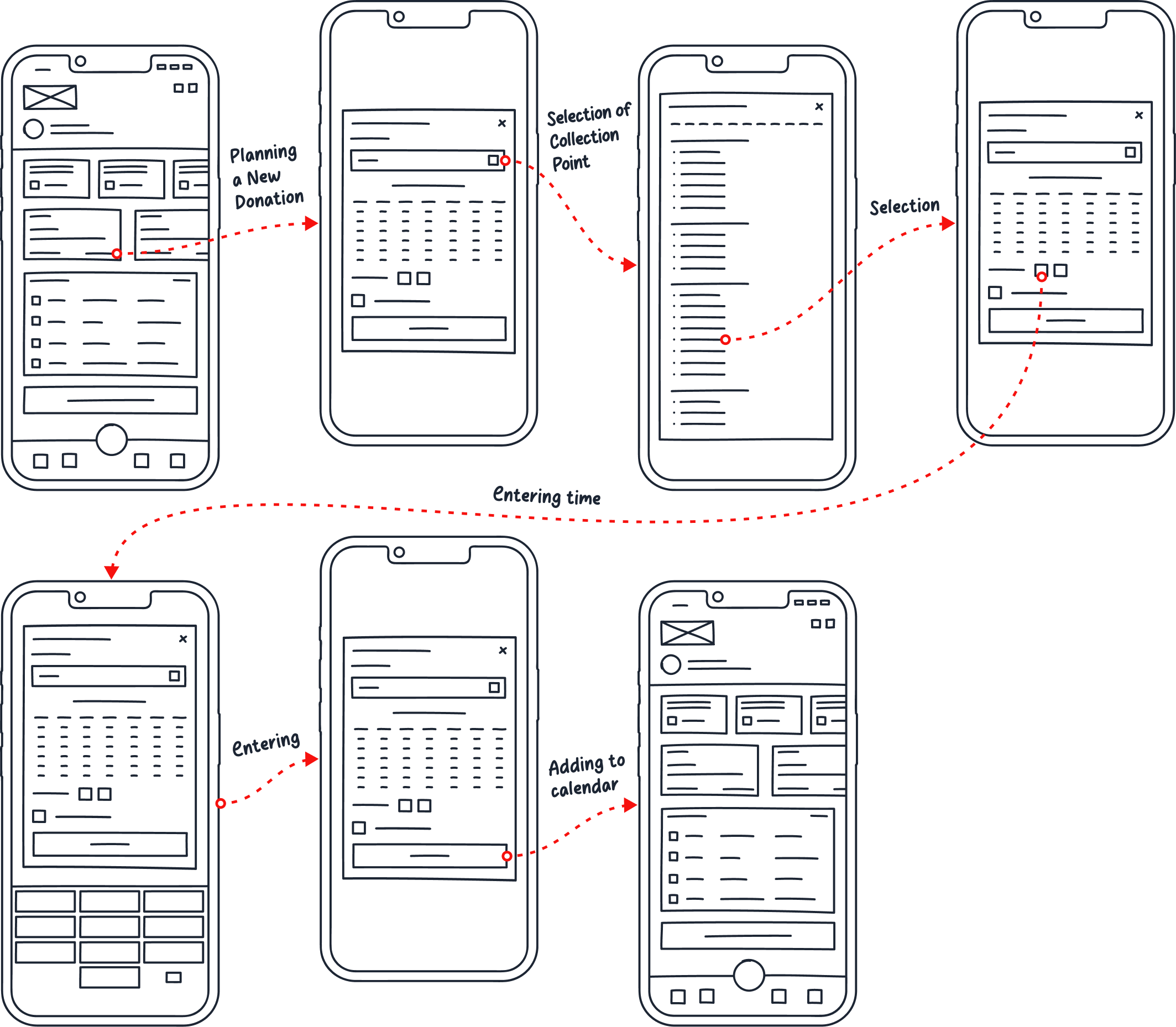
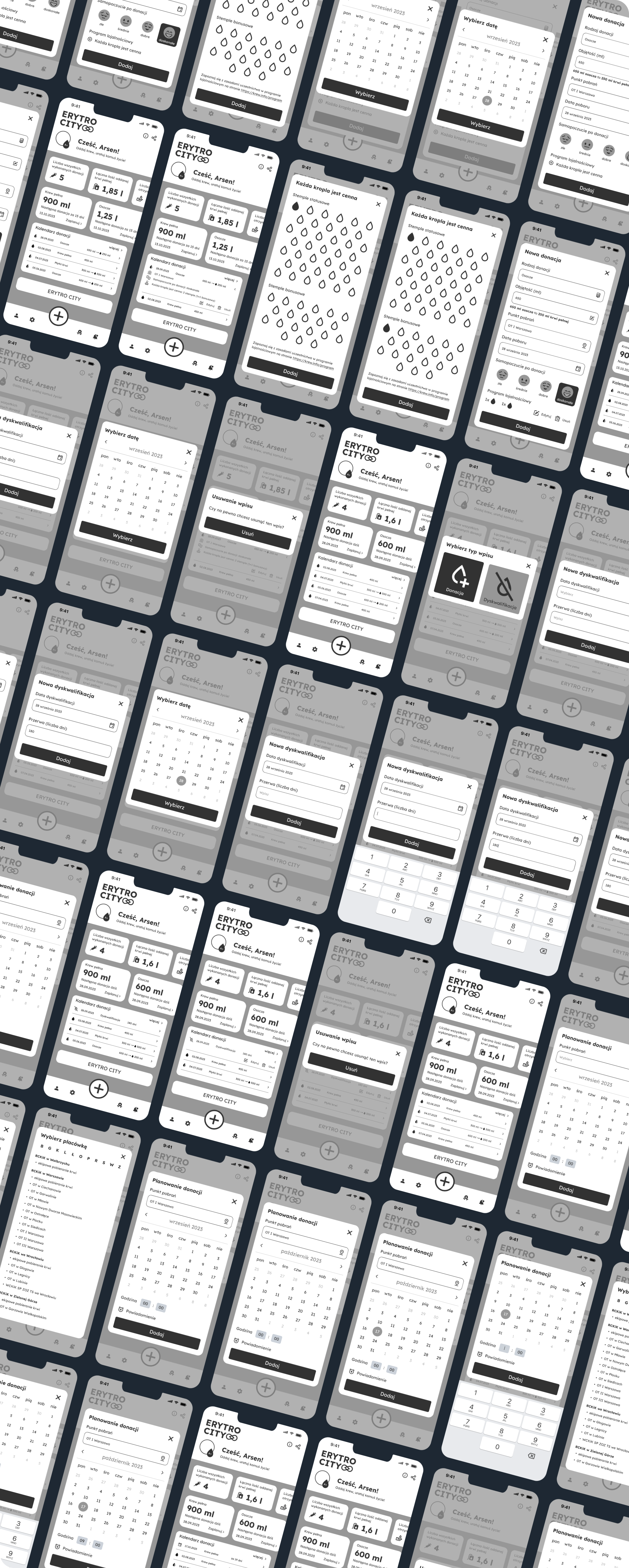
The tests were conducted online using an interactive prototype based on medium-fidelity wireframes. This choice was justified by several significant benefits:
Please describe what you see on the screen. Familiarize yourself with how the app works.
Add a new plasma donation to the calendar. Change the volume from 600 ml to 650 ml. Select the collection point "OT I Warsaw." Set the donation date to September 28, 2023. Mark excellent well-being after donation. Use the loyalty program "Every Drop Counts." Check one statutory stamp and one bonus stamp.
Add a new blood donation disqualification to the calendar, effective from September 28, 2023, lasting 180 days.
Remove the newly created disqualification.
Schedule a whole blood donation at the Warsaw I Field Office for October 17, 2023, at 9:00 a.m.
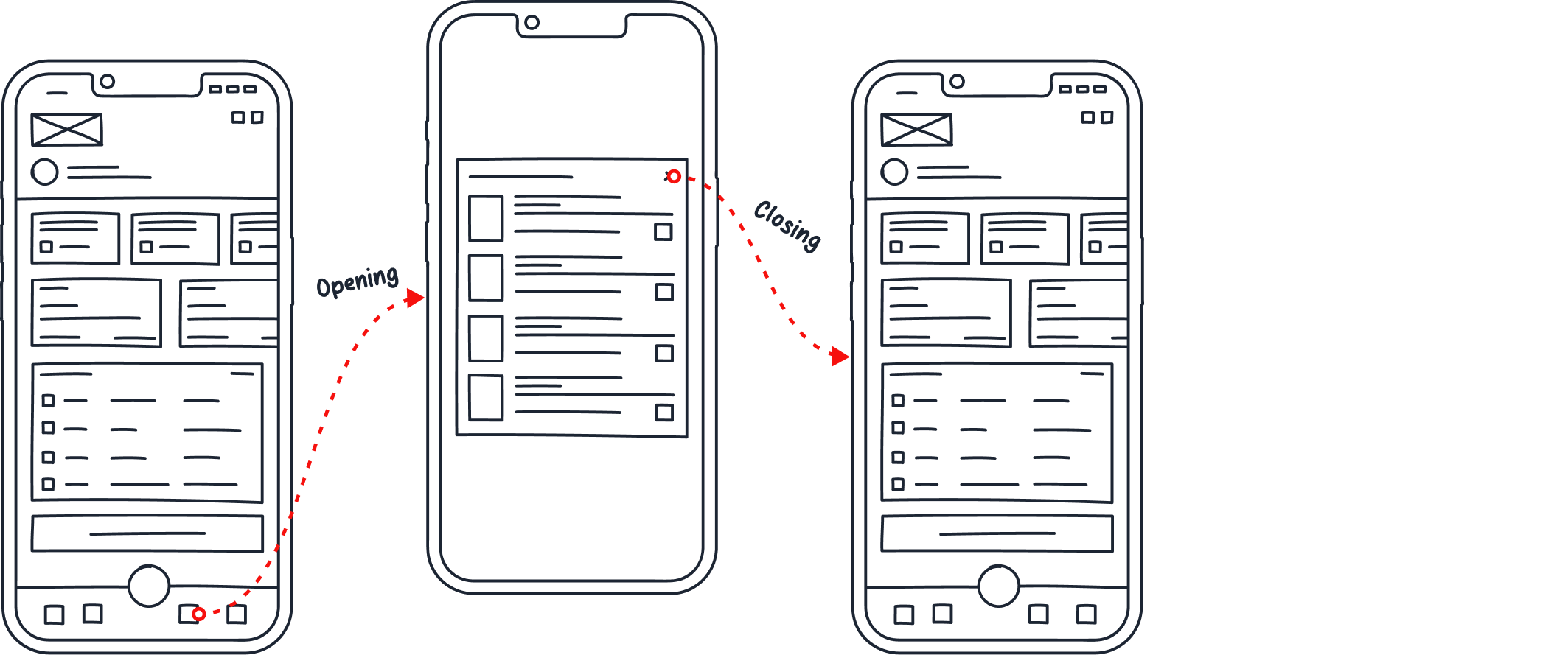
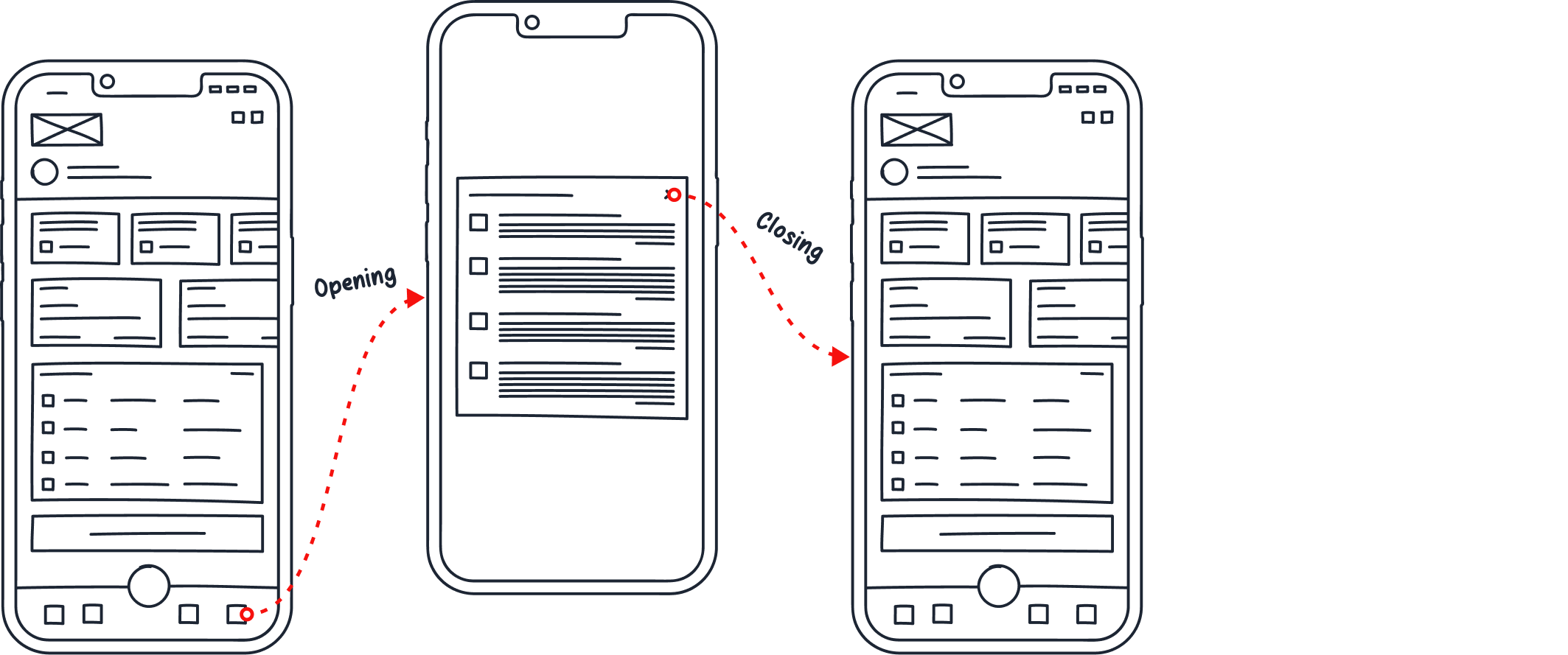
Check how many liters of whole blood you need to receive the III level of Distinguished Honor Donor badge.
Check the latest notifications in the application to stay updated with important information.
| Age group | Females (thousands) | Males (thousands) |
|---|---|---|
| 18-24 years | 37.4 | 75.3 |
| 25-44 years | 91.0 | 306.1 |
| 45-64 years | 30.1 | 81.8 |
Participants explored the app and described the screen. No specific tasks were performed.
Two users did not notice the ability to scroll the section providing information on the amount of whole blood and its components. The overflow area is cropped in a less visible way.
The problem was resolved incidentally while implementing other improvements.
Testers completed smoothly.
Testers completed easily.
Testers completed smoothly.
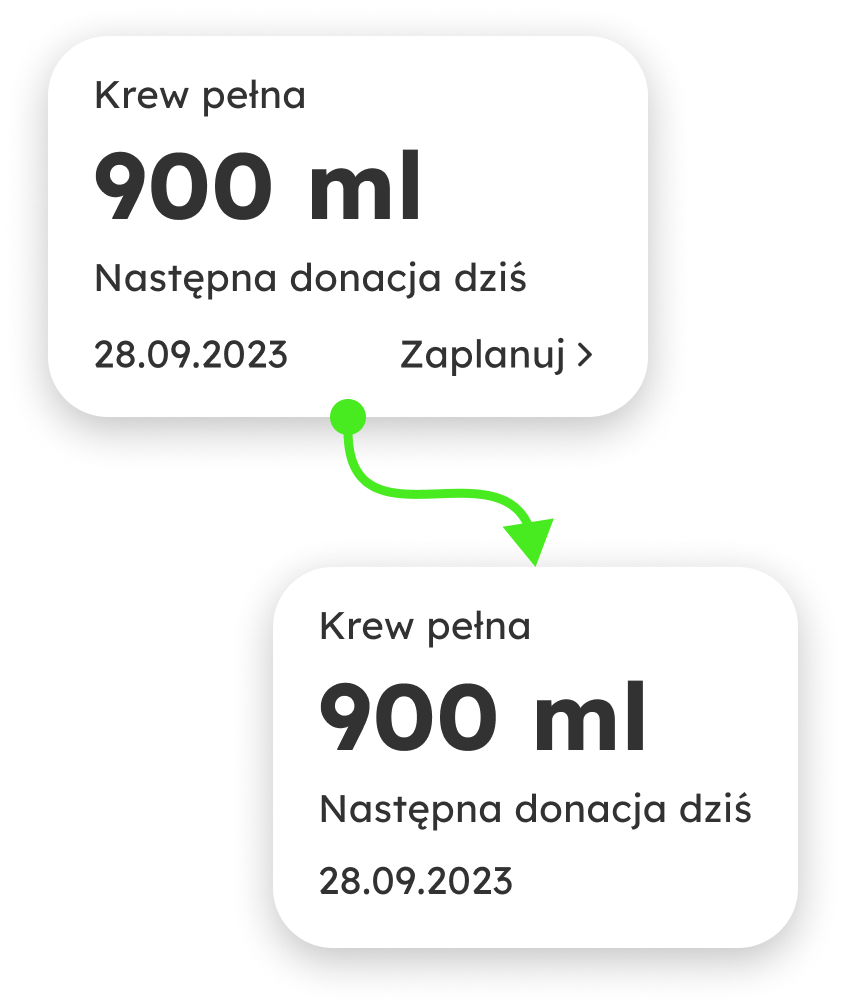
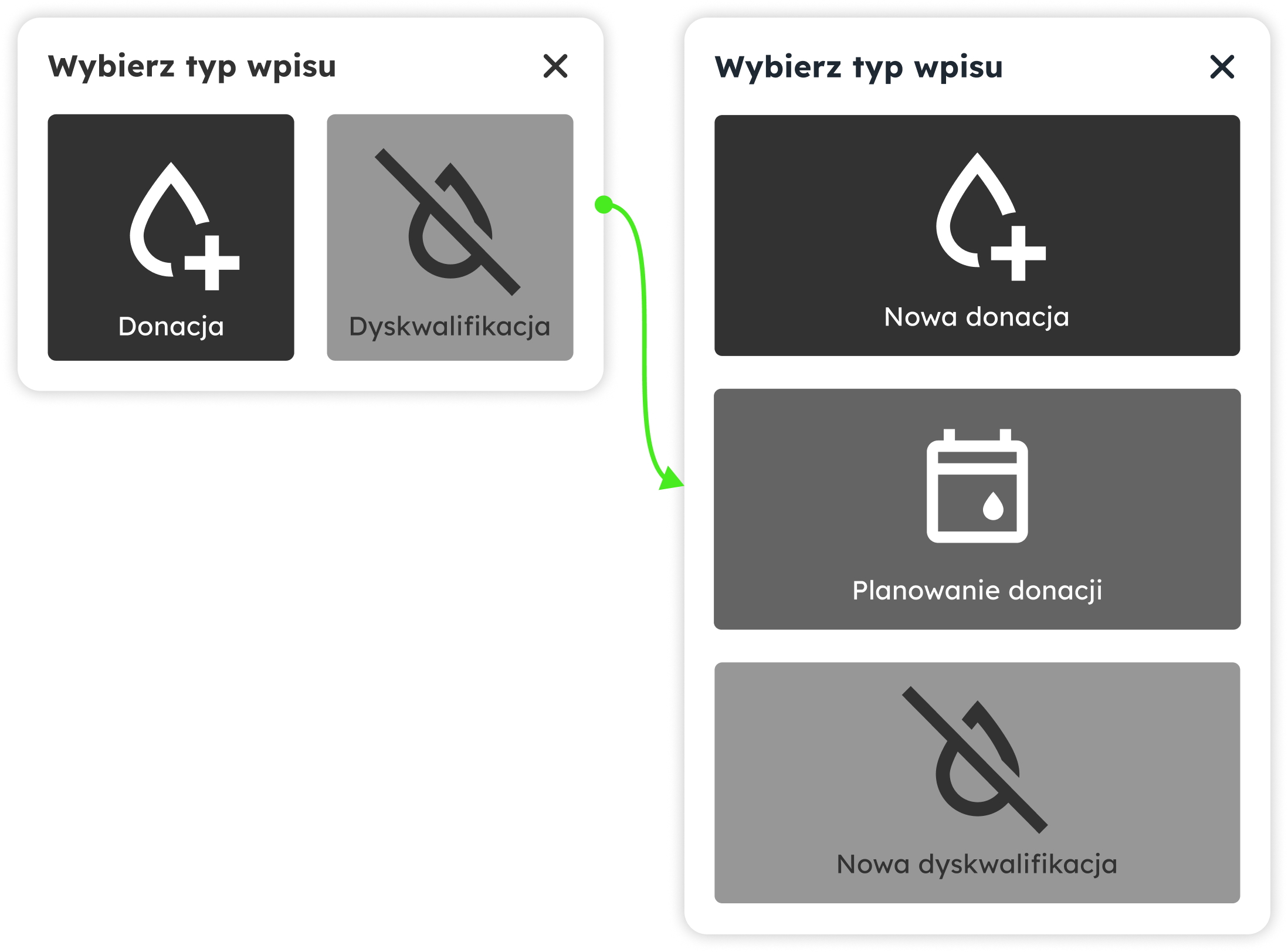
Users had difficulty locating the donation scheduling option due to its unintuitive placement.
It is necessary to place the donation scheduling function where users were looking for it – i.e., in the entry type selection tab – alongside the options to add a new donation and add a new disqualification. Changes included:
Removing the option to schedule a donation from the section informing about the amount of whole blood and its components.
Adding the option to schedule a donation to the entry type selection tab.
Users completed smoothly.
Testers easily completed the sixth task, which involved checking notifications.
I recommend working with Hubert. He is open to new ideas, diligent, always willing to help, and competent. Throughout our collaboration, he supported the team, ensuring projects were completed thoroughly and on time.
Hubert creates amazing graphics, as I experienced during our two years of working together. He is always punctual and often suggests solutions that turn out to be perfect. Additionally, Hubert has a great eye for composition, colors, and aesthetics. He looks for solutions that satisfy everyone involved in the project. Besides that, he constantly trains and improves his skills. I highly recommend working with Hubert.
Hubert is a talented graphic designer and a great colleague. He has a broad technical knowledge and a strong sense of aesthetics. He always supports his team when needed and is happy to share his knowledge and experience.
I highly recommend Hubert as a fantastic graphic designer. He always delivers projects on time and continuously improves his skills. I appreciate his knowledge of industry trends, especially in AI. Best regards.